FAQPage schema for WordPress: The Complete Guide
FAQPage schema is JSON-LD markup that tells a machine a block of your page is a list of questions and answers. For AI citation, it’s one of the highest-value pieces of structured data you can add to a WordPress post. It labels self-contained question-and-answer passages that an AI search engine can lift straight into a generated response. CiteWP credits it across two scoring signals worth 14 points combined.
The part most WordPress owners get wrong: they add an FAQ section as plain text and assume that’s enough. It isn’t. Without the schema, a machine sees paragraphs. With it, the machine sees a structured question paired with a discrete answer, which is exactly the shape an AI assistant wants when it’s assembling a cited response.

What FAQPage schema actually is
Schema.org is a shared vocabulary for marking up web content, launched in 2011 by Google, Bing, Yahoo, and Yandex. FAQPage is one of its types. It declares that a page contains a frequently-asked-questions list, with each entry holding a `Question` and an `acceptedAnswer`. You add it as JSON-LD, a script block that sits in the page source where humans never see it but parsers always do.
JSON-LD is the format Google recommends over the older Microdata and RDFa approaches, because it keeps the structured data separate from the visible HTML. A single FAQPage block can hold any number of Q&A pairs. The minimum that carries weight for AI citation readiness is three pairs, though most pages benefit from four to six. Each answer should be a complete thought on its own, between 40 and 80 words, because an AI engine may quote it without the surrounding page for context.
The Google rich-result rollback, and why schema still matters
Here’s the honest version, because most guides skip it. In August 2023, Google sharply restricted FAQ rich results in regular search. The expandable FAQ snippets that used to show under listings are now limited to a small set of authoritative government and health sites. If your goal was the visual rich result in Google search, that opportunity mostly closed.
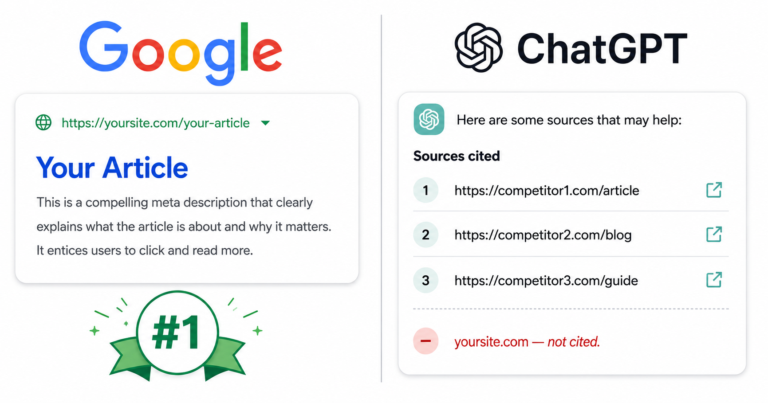
That does not make FAQPage schema dead. It changes what it’s for. The schema still tells every parser, including the crawlers behind ChatGPT, Perplexity, and Claude, that a passage is a structured answer to a specific question. AI search engines run on retrieval, and retrieval favors content that arrives pre-labeled as a question-answer unit. This is one of the reasons a well-ranked page still gets skipped by AI assistants: the page was optimized for a Google rich result that no longer fires, while the underlying signal that AI systems still read was never added. The schema’s audience shifted from one search engine’s display layer to every AI system’s retrieval layer.
How AI engines use question-and-answer structure
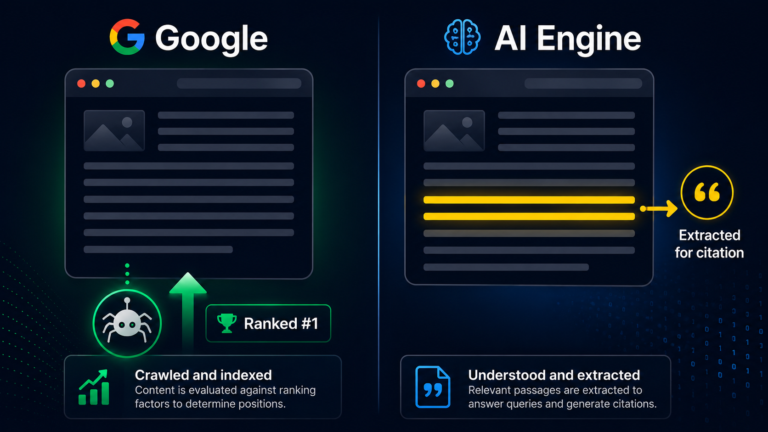
AI search engines don’t read a page top to bottom and summarize it. They retrieve passages that match a user’s query, then assemble an answer from the strongest matches. A question heading followed by a tight answer is the most retrievable shape there is, because the question text often mirrors the exact phrasing a user types into ChatGPT or Perplexity.
This is the same retrieval logic behind writing content structured so AI can extract it cleanly, applied specifically to Q&A. When the answer is wrapped in FAQPage schema, the system gets two confirmations at once: the visible heading says “this is a question,” and the structured data says “this is the accepted answer.” A page with both is easier to cite than a page with neither, and the difference compounds across every question on the page. For a content manager auditing why a strong post never surfaces in AI answers, an unmarked FAQ section is one of the most common and most fixable gaps.
How CiteWP scores FAQ structure and schema
CiteWP splits the credit across two separate signals, which is why the FAQ block is worth more than people expect. The `faq_schema_or_qa` signal, worth 8 of the 35 Structure points, fires when the page contains a genuine FAQ section with three or more question-answer pairs. The `schema` signal, worth 6 of the 25 Authority points, credits valid Article and FAQPage JSON-LD on the page. You can read how both fit the full rubric in the Cite Score scoring methodology.
|
Signal |
Section |
Points |
What Trigger It |
|---|---|---|---|
|
`faq_schema_or_qa` |
Structure |
8 |
FAQ section with 3+ Q&A pairs |
|
`schema` |
Authority |
6 |
Valid Article + FAQPage JSON-LD present |
|
Combined |
14 |
Both the visible Q&A block and the markup |
Fourteen points is 14% of the entire 100-point Cite Score riding on one structural element. A post that has the visible FAQ text but no schema captures the 8 Structure points and leaves the 6 Authority points on the table. Adding the JSON-LD is usually a five-minute change that recovers all six.
Check whether your FAQ schema is scoring — free on WordPress.org.
Adding FAQPage schema in WordPress
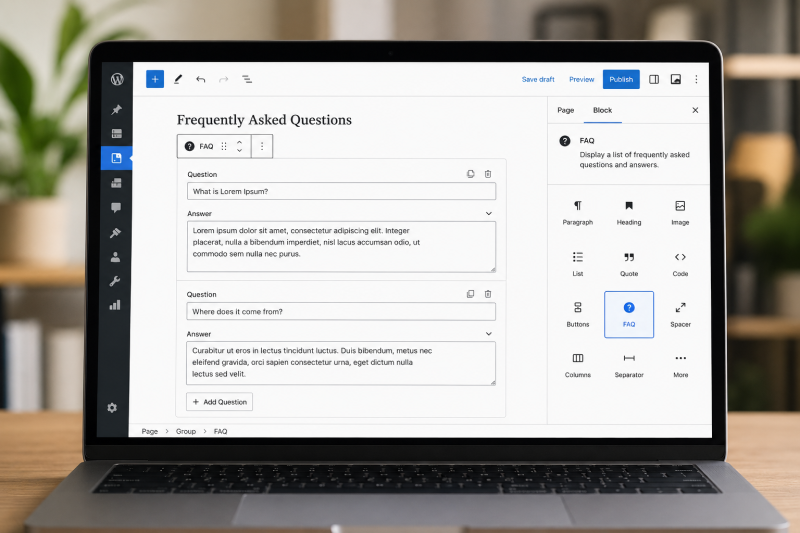
There are three practical routes, depending on what’s already installed. If you’re a content manager without developer support, the plugin routes are the safer choice because they keep the schema in sync with the visible content automatically.
- Rank Math: Use the built-in FAQ block. In the Gutenberg editor, add the Rank Math FAQ block, type your questions and answers, and the plugin outputs both the visible block and the FAQPage JSON-LD. No manual code.
- Yoast SEO: Use the Yoast FAQ block (part of its structured-data blocks). Same idea: fill in the Q&A, and Yoast generates the markup on save.
- Manual JSON-LD: Add a Custom HTML block to the post and paste a hand-written FAQPage script. This gives full control but you have to keep the markup matched to the visible text by hand, or the page fails validation.
Whichever route you take, the schema text must match the visible answer text on the page. Google’s structured-data guidelines for FAQPage are explicit that marked-up content has to be present and visible to the user. After publishing, paste the URL into Google’s Rich Results Test or the Schema Markup Validator to confirm the FAQPage parses with zero errors. CiteWP’s `schema` signal checks for the same valid markup the validators look for.
See your schema signal score before and after — install CiteWP free.
Common mistakes that void the schema
The fastest way to lose the points is a mismatch between markup and visible content. If the JSON-LD contains an answer that doesn’t appear on the rendered page, validators flag it and CiteWP’s `schema` signal won’t credit it. The same goes for marking up content that’s hidden behind a tab or accordion the user can’t reach.
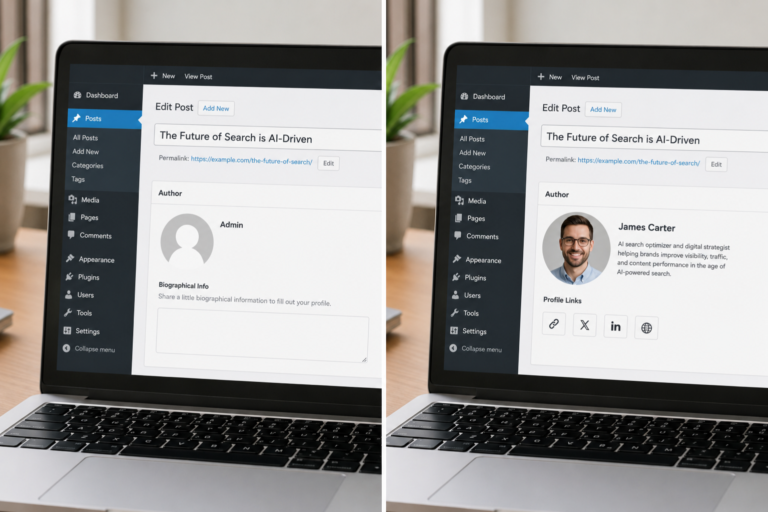
Two other recurring errors. First, putting FAQPage schema on a page that isn’t actually a FAQ, like stuffing unrelated keywords into fake questions to game retrieval. That’s the kind of manipulation that gets a page demoted, and it’s the opposite of the white-hat approach CiteWP is built around. Second, duplicating the same FAQPage block across dozens of pages. Each FAQ should answer questions specific to its page. A page that publishes its Q&A under a named, credentialed author and pairs that with valid FAQPage schema is reinforcing two trust signals at once, which is the combination AI systems weigh most heavily.
Frequently Asked Questions
Get your content cited by AI.
Install CiteWP AI Search Optimizer free on WordPress.org. No account, no credit card.